Télécharger maintenant
Télécharger maintenant


mon
MON Wallet: Best Wallet to Store, Send & Use MON (2026 Guide)
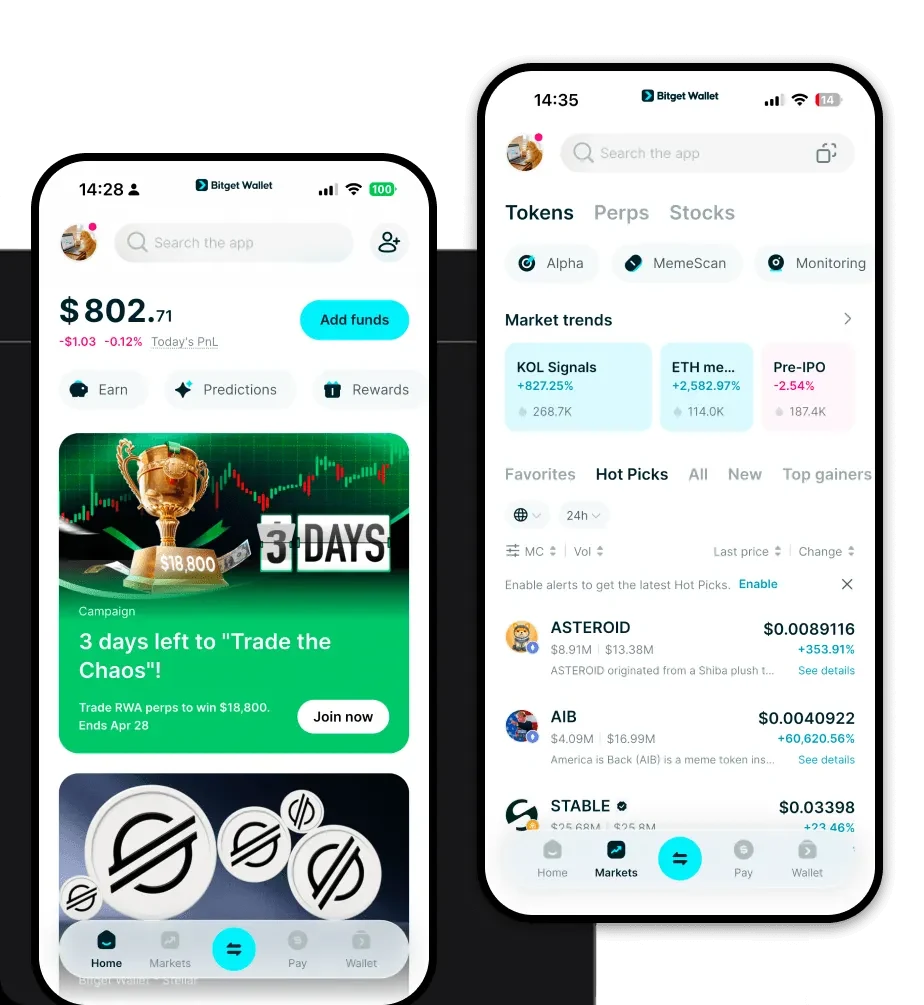
Téléchargez le meilleur portefeuille Monad pour stocker, envoyer et utiliser vos Monad. Apprenez à créer un portefeuille Monad, à accéder aux DApps et à gérer vos Monad en toute sécurité.
FAQ
Des réponses à vos questions.
Is MON wallet safe?
Yes, using a MON wallet through Bitget Wallet is highly secure. You maintain full control over your private keys and seed phrase, meaning no third party has access to your funds. Additionally, Bitget Wallet is backed by a $300 million user protection fund, providing an extra layer of security against unforeseen risks.
How to get a MON wallet address?
To get your MON wallet address, simply download and set up Bitget Wallet. Once your wallet is created, the address is generated automatically. You can find it by tapping the 'Receive' button or clicking on the 'Copy' icon next to your wallet address on the main dashboard. This address is your public identifier on the Monad network.
Can I store MON on Bitget Wallet?
Yes, Bitget Wallet fully supports MON tokens. As a multi-chain wallet that prioritizes EVM compatibility, Bitget Wallet allows you to securely store, send, and receive MON, as well as interact with the broader range of dApps and tokens operating within the Monad ecosystem.

Entreprise
Products
Mentions légales

Entreprise
Products
Mentions légales