





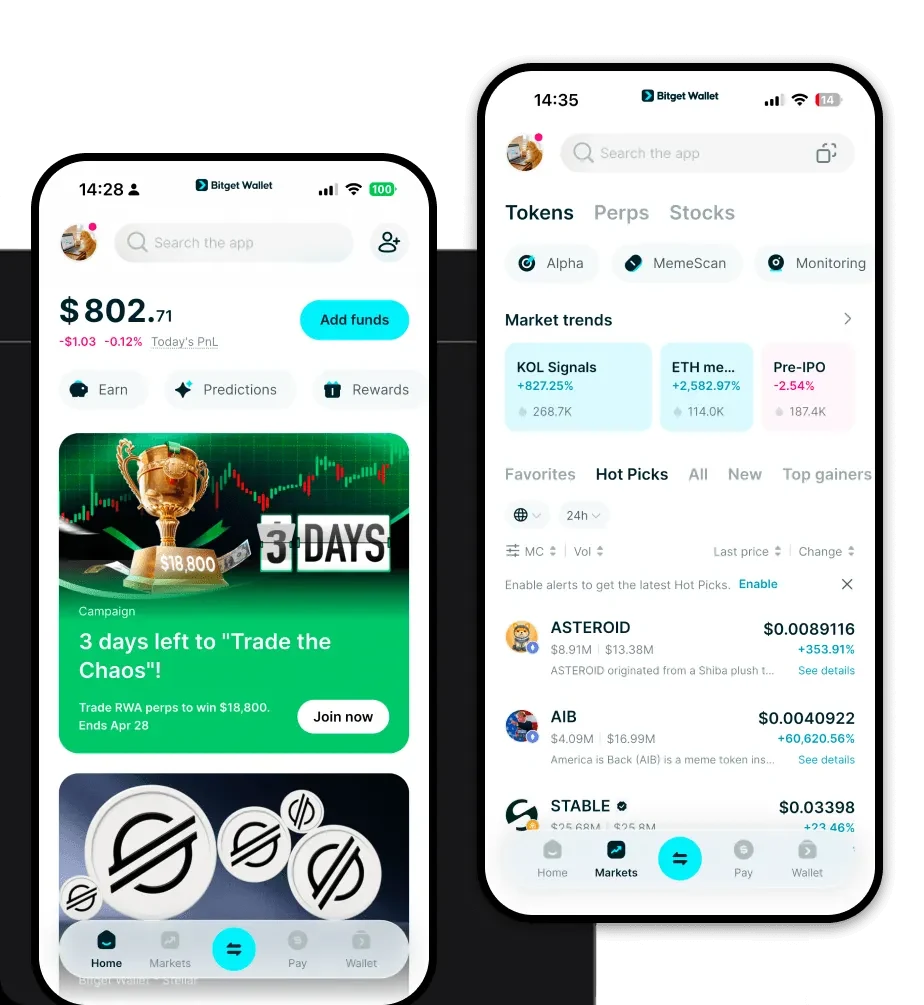
What is a Disable Wallet?
A Disable wallet is a specialized digital interface designed to interact with the Disable token, which operates primarily within the EVM (Ethereum Virtual Machine) ecosystem. Because Disable functions as a token on EVM-compatible chains, it requires a wallet that can bridge the gap between complex smart contract logic and user-friendly asset management. Are you looking for a reliable and secure crypto wallet for your Disable? Bitget Wallet will be your best choice. Trusted by 40 million users, you can freely explore Web3 on Bitget Wallet. Start your journey now!
Download Bitget Disable Wallet
Getting started with your Disable journey requires a secure gateway. You can download Bitget Wallet directly to your mobile device (iOS or Android) or install the browser extension on Chrome, Brave, or Edge. Unlike centralized exchanges, Bitget Wallet provides true non-custodial security, meaning you maintain complete control over your private keys and recovery phrases. With integrated support for over 130 blockchains, it ensures that your Disable tokens are always accessible alongside your broader portfolio.
Why Choose Bitget Disable Wallet?
- EVM Ecosystem Integration: Seamlessly connect to any dApp within the Ethereum, BNB Chain, or Polygon networks, ensuring your Disable transactions are processed with full protocol compatibility.
- Advanced Cross-Chain Interoperability: Effortlessly bridge assets across different chains without leaving your wallet interface, minimizing the complexity of manual transfers.
- Industry-Leading Security Protocols: Benefit from a robust security framework that includes a $300 million user protection fund and advanced encryption to keep your Disable holdings safe from unauthorized access.
- Optimized Gas Fee Management: Take advantage of smart gas fee estimation tools that help you execute transactions at the most cost-effective times, preventing overpayment on the network.
How to Create a Disable Wallet
Creating your wallet is a straightforward process designed for both newcomers and advanced users:
- Download and Install: Visit the official website to download Bitget Wallet and install it on your preferred device.
- Initialize Wallet: Open the app and select 'Create a Wallet'. Ensure you are in a private location.
- Secure Your Seed Phrase: You will be given a 12-word recovery phrase. Write this down on physical paper—do not store it digitally—as this is the only way to recover your Disable wallet if you lose your device.
- Verify and Setup: Follow the on-screen prompts to verify your seed phrase and set a strong, unique PIN or biometric lock for quick access.
- Add Disable Asset: Once in the main dashboard, use the search function to add the Disable token to your view, allowing you to see your balance and transaction history immediately.
What Can You Do With a Disable Wallet?
A Disable wallet is more than just a storage tool; it is a gateway to the broader Web3 economy. With Bitget Wallet, you can engage in the following activities:
- Comprehensive Asset Management: Monitor your Disable portfolio in real-time, tracking price fluctuations and value across multiple accounts in one consolidated view.
- Seamless dApp Interaction: Connect your wallet to DeFi platforms and NFT marketplaces to stake, farm, or trade without needing to expose your private keys to third-party sites.
- Instant Token Swapping: Utilize the built-in DEX aggregator to swap your Disable tokens for other assets at the best market rates, ensuring liquidity and minimal slippage.
- NFT Portfolio Management: Store, view, and manage your NFT collections directly within the interface, ensuring your digital collectibles are as accessible as your fungible tokens.
How Disable Wallets Are Different from Other Crypto Wallets
When interacting with Disable on the EVM, the wallet architecture is fundamentally different from non-EVM chains. Unlike Bitcoin wallets that rely on UTXO (Unspent Transaction Output) models, the Disable wallet utilizes the Account-based model, which tracks balances as a state within the blockchain ledger. This allows for complex smart contract interactions that UTXO wallets cannot handle natively. Furthermore, while some chains require resource management like CPU or RAM staking, an EVM-based Disable wallet focuses on gas optimization. Bitget Wallet excels here by automating the fee calculation process, ensuring that your transactions are prioritized correctly on the network while maintaining the high-speed performance required for modern DeFi applications.
