Download now
Download now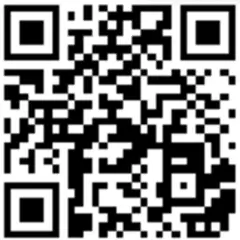



noumena
Noumena Wallet: Best Wallet to Store, Send & Use Noumena (2026 Guide)
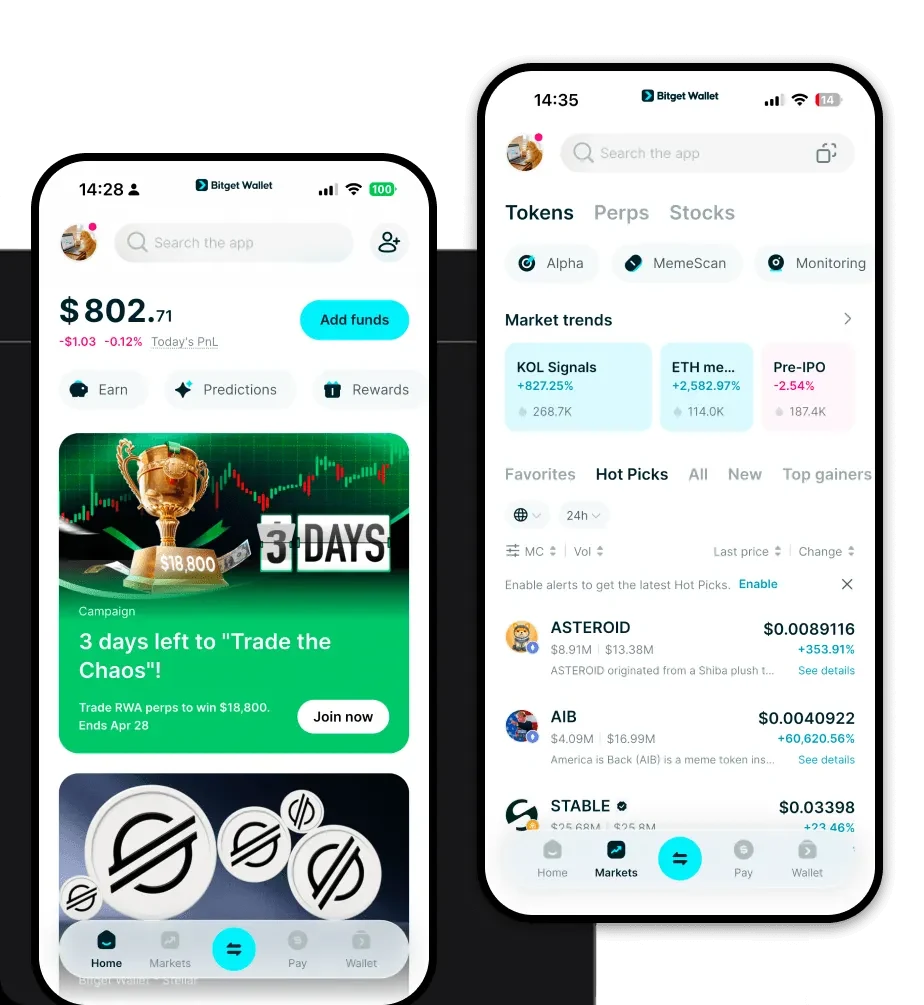
Download the best NoumenaAI wallet to store, send, and use NoumenaAI. Learn how to create a NoumenaAI wallet, access DApps, and manage your NoumenaAI securely.
FAQ
Questions, answered.
Is Noumena wallet safe?
Yes, using Bitget Wallet to manage your Noumena tokens is highly secure. Bitget Wallet is a self-custodial wallet, meaning you retain full control over your private keys and recovery phrases. Additionally, Bitget provides an industry-leading 300 million USD user protection fund to safeguard users against unforeseen security incidents.
How to get a Noumena wallet address?
To get your Noumena wallet address, first download and install the Bitget Wallet. After creating your wallet and backing up your seed phrase, navigate to the main asset page and select 'Receive'. Search for Noumena in the token list; once selected, your unique wallet address will be displayed. You can copy this address to receive tokens.

About us
Bitget Wallet X
Products

About us
Products
Bitget Wallet X